Team and clients
Roles, invitations, clients, two-factor authentication and the integrations of a team.
A team owns servers, instances, members and billing. One account can be in several teams and switch between them from the header. The Team page holds the members, the settings and the integrations.
Members and roles
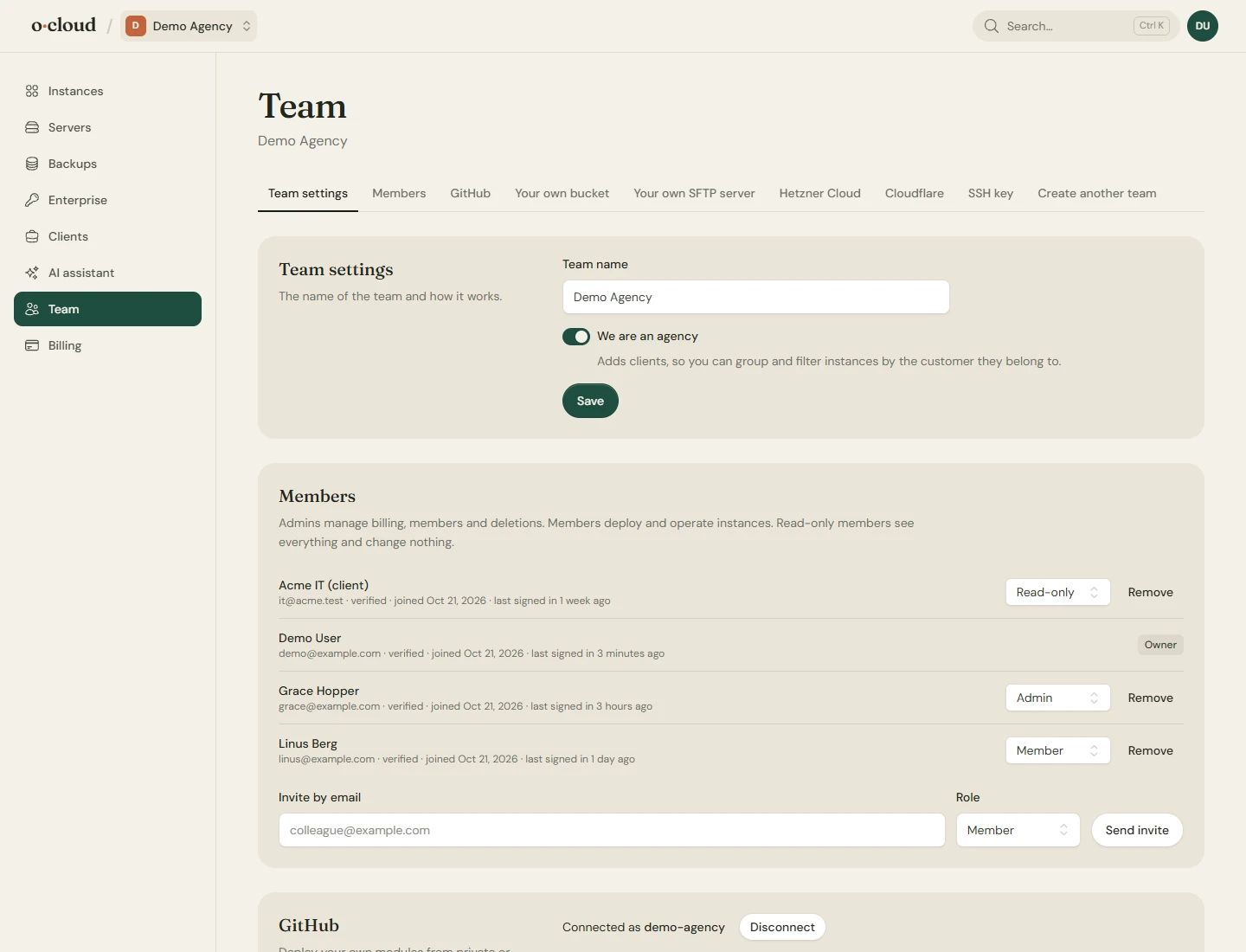
| Role | May |
|---|---|
| Owner | Everything, including billing, members, deletions and the keys to the terminal. |
| Admin | The same as the owner, for the daily running of the team. |
| Member | Deploy, restart, back up, restore and configure instances. No billing, no deletions, no terminal. |
| Read-only | See everything, change nothing. For a customer's IT contact or a status screen. |
Members are invited by email rather than given a password. The invitation goes to the address, and the person signs in or creates an account with that same address to accept it.
Two-factor authentication
Under Settings → Two-factor for each account: an authenticator app and recovery codes.
Agency features and clients
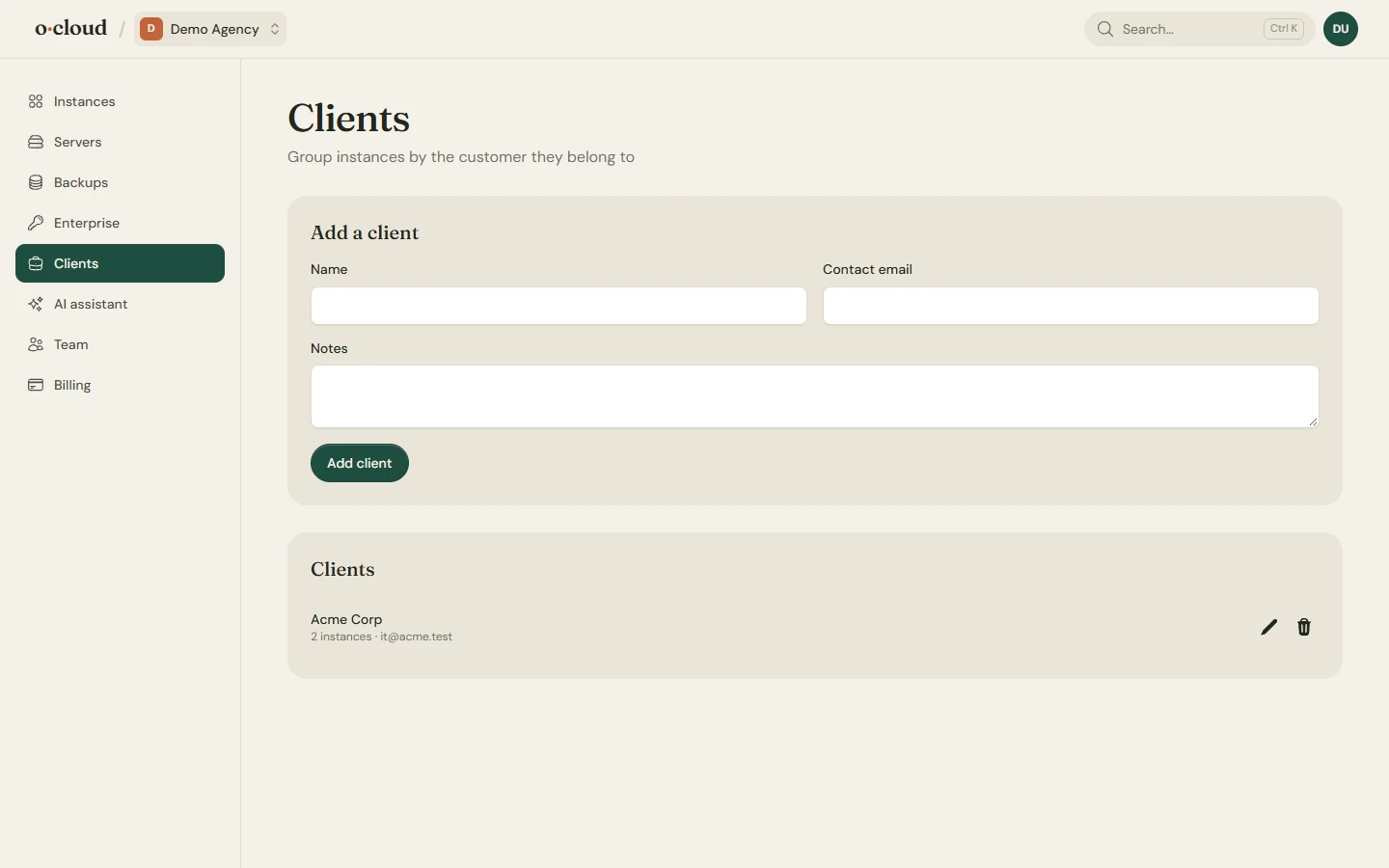
Switch on the agency features under Team settings and a Clients page appears. Each client has a name, a contact email and notes, and each instance can belong to one. The instances page filters by client. More in For agencies.
Integrations
- GitHub: OAuth or a personal access token, for private repositories and deploys on push.
- Your own bucket and your own SFTP server for backups. See Backups.
- Hetzner Cloud: a token of your own project, to create servers in it and to reboot, snapshot and back them up.
- Cloudflare: the accounts that hold your domains, so the DNS records for the domains and the mail of an instance are written for you. Open Cloudflare brings up a new API token with the right permissions already picked; create it, copy it and paste it. Each account lists the domains it holds. One account per client if you need to.
- SSH key: the public key this team uses to reach its servers. Add it to servers you connect yourself.
More than one team
Create another team at the bottom of the page. Teams have separate servers, members and billing; an agency might keep one for its own Odoo and one per large customer.