Switching
Already running Odoo? Keep it where it is.
An Odoo installed by hand, by CloudPepper or by another panel is found on its server and managed from here from the first minute. Nothing is installed, moved or removed, and there is no downtime. Take it over fully when you are ready, or never.
Step one
Connect the server
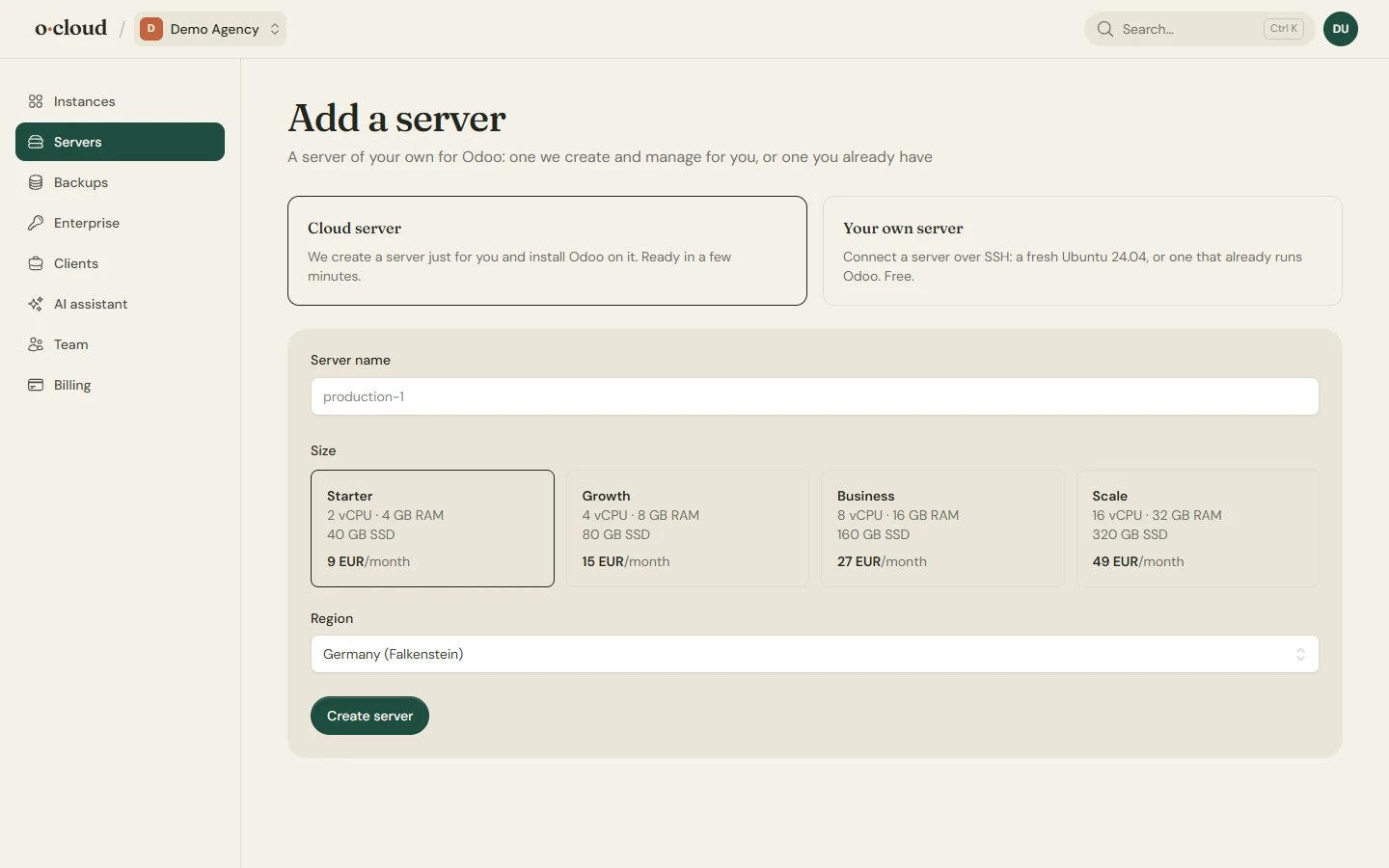
Add a server, choose Your own server, switch on This server already runs Odoo and give it the team's public key, or a password that is used once. The running Odoo is found: its service, its configuration file, its source checkout, its database and its filestore become an instance.
Restart, logs, module updates and backups work at once. The folders on the addons path are matched to the GitHub repositories they came from, on the commit the server already runs, so the first deploy changes no code.
Managed at arm's length
An adopted Odoo keeps its own odoo.conf, service, web server and certificate. Changes to its configuration are made in place, with a backup of the file and a rollback if Odoo does not start.
Take it over fully
One click on the settings page makes it an Odoo we manage completely, in place and with one restart: paths, ports, database and system user stay what they were. The previous panel's site files are moved aside, not deleted.
Remove the old agent
Once every Odoo on a server has been taken over, the CloudPepper agent and its services are removed from the server settings page. Until then they keep running and do no harm.
Or copy it
Move to a new server over SSH
If the old server should go, create a new instance here and import the database and filestore from the old one over SSH, or upload a zip from Odoo's database manager. Point the domain at the new server when it looks right.
Compared with CloudPepper
What you keep, what you gain, and the two things that are not here.
| Area | In oCloud |
|---|---|
| Server inventory and dashboard | Yes. Usage, instances, workers, OS, and a security check. |
| Historical monitoring | Yes. Sampled every five minutes, kept 30 days, with mail when a disk, memory or CPU runs hot. |
| PostgreSQL management | Yes. Auto-tuning with manual overrides and a review before saving. No external database yet. |
| Instance operations, domains, HTTPS | Yes. HTTPS and certificates are always on rather than switches. |
| Login as, paths and commands | Yes, on Odoo 16 to 19. |
| Live logs | Yes, with search, regex, level and time filters. Plus a shell, the Odoo shell and psql in the browser. |
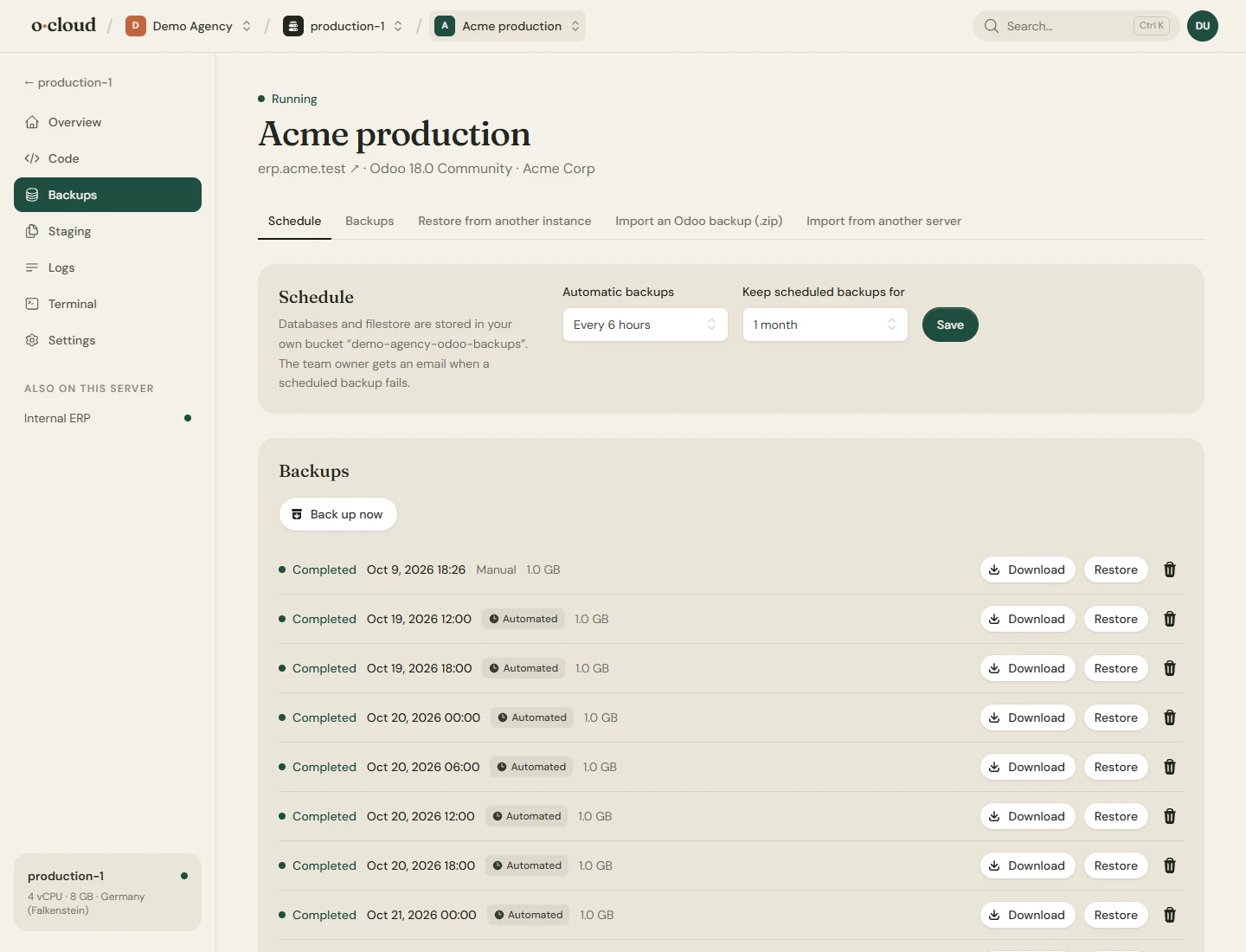
| Backups, schedules, import | Yes. To our storage, your own S3 compatible bucket or SFTP. No Azure Blob. |
| Staging | Yes. Neutralized copies on any server, also the same one. |
| Addons and marketplace | Yes. Per repository: deploy on push and upgrade modules. The catalog lists repositories rather than single modules. |
| Users, roles, 2FA | Yes. Admin, member and read-only, invited by email. |
| REST API and MCP | Yes, with keys that only read, also change, or also open a shell. |
| Support tickets, white label | No. |
| Leaving | A disconnect that leaves the server running as it is, with an option to take our key off it. |
Connect a server this afternoon
It takes a public key on the server and a few minutes. Disconnecting takes one click and changes nothing on the server.