Monitoring, logs and terminal
Checks every five minutes, charts for 30 days, searchable logs and a shell in the browser.
Three ways to know what is going on: checks and charts that run on their own and mail you when something is wrong, the Odoo log on a page, and a shell in the browser for when a page is not enough.
Checks and mail
- Every instance is asked for its login page every five minutes. The team owner is mailed when one stops answering, and again when it is back.
- A scheduled backup that fails is mailed.
- A disk past 90%, or memory or CPU above 95% for half an hour, is mailed once a day while it lasts.
- A certificate two weeks from running out that has not renewed is mailed.
- A payment that fails is mailed at each step; nothing is stopped for it.
Monitoring
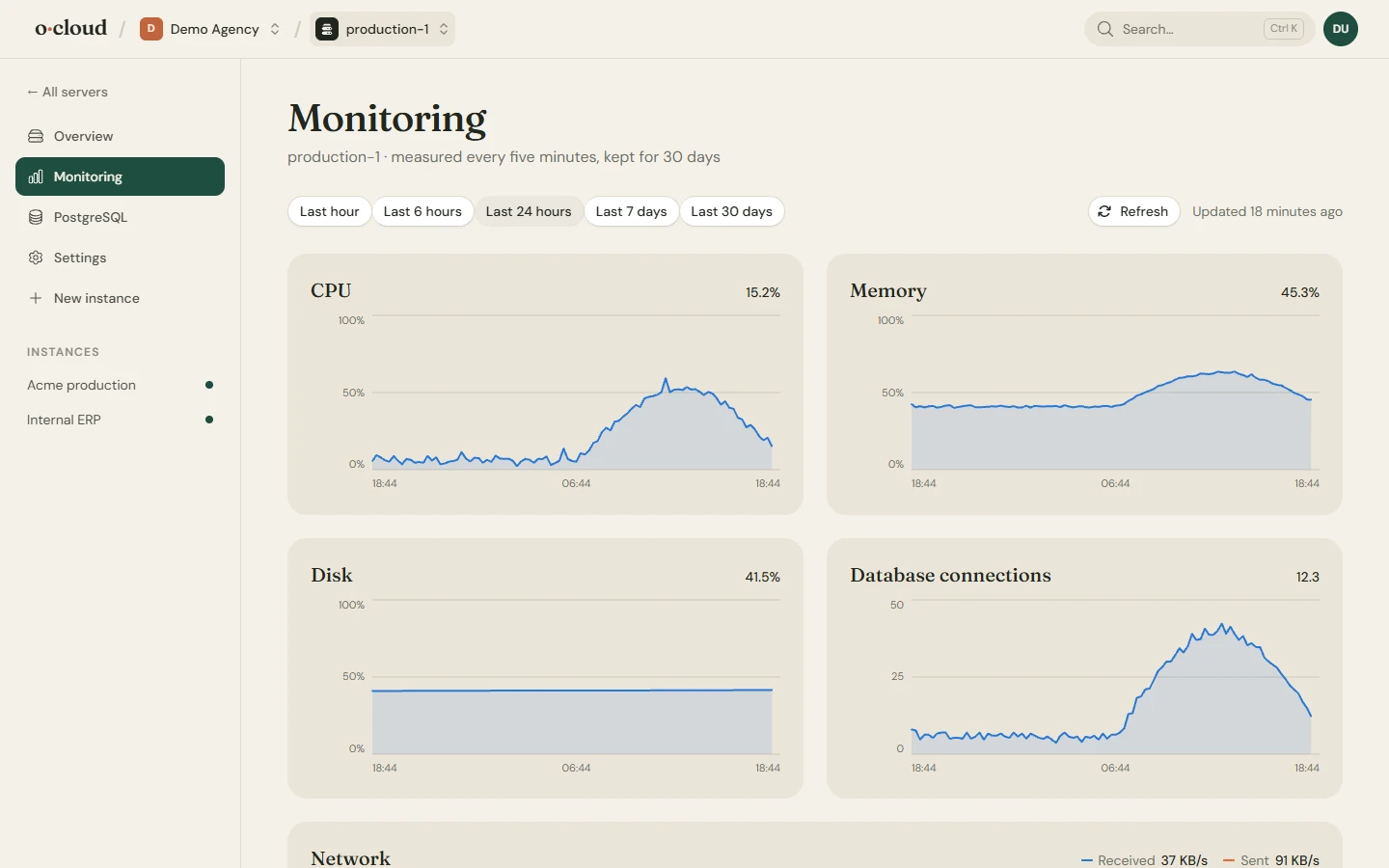
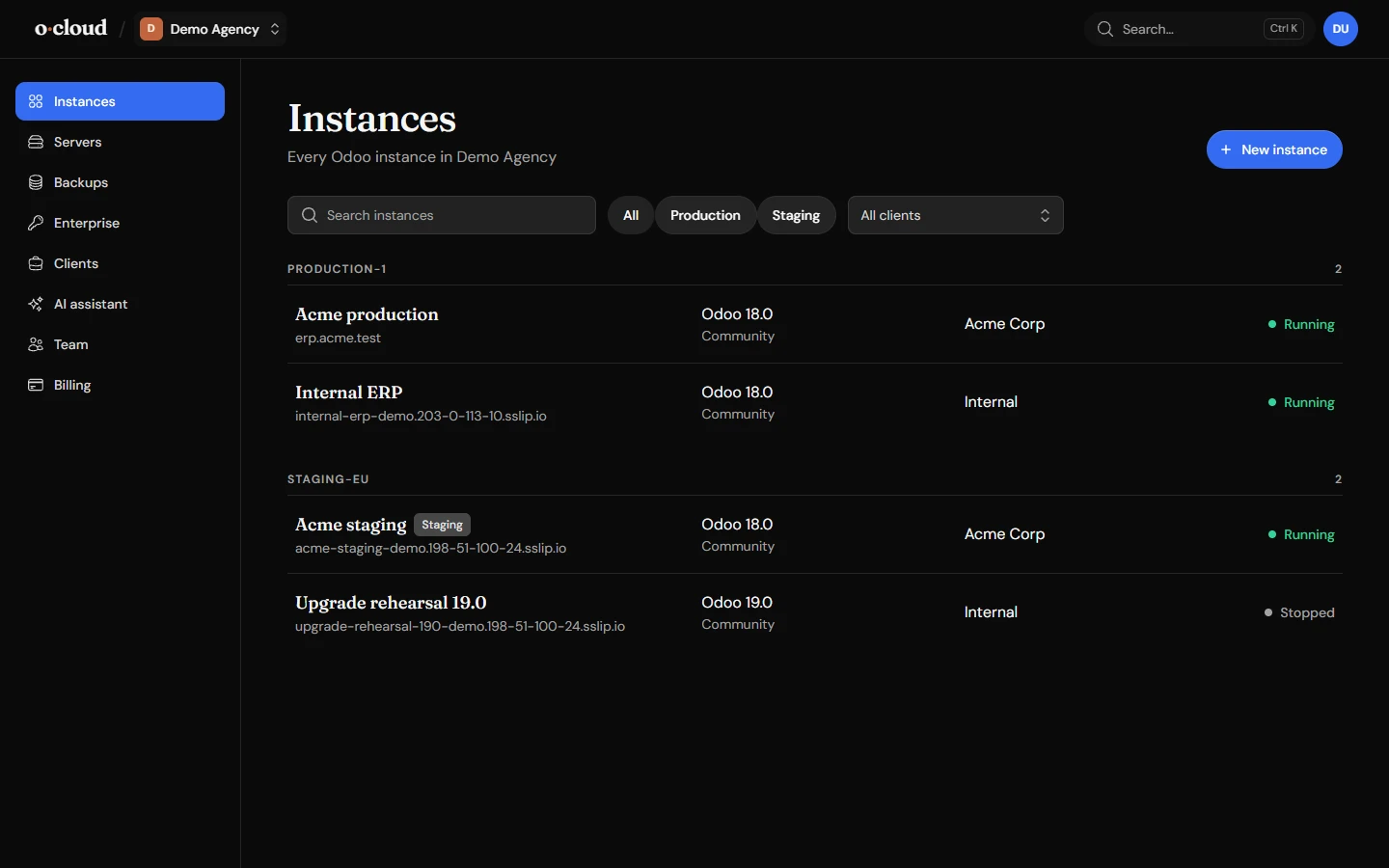
Every server of the team is sampled every five minutes and the figures kept for 30 days, with a range selector from the last hour to the last month. The charts are also in dark mode.
Logs
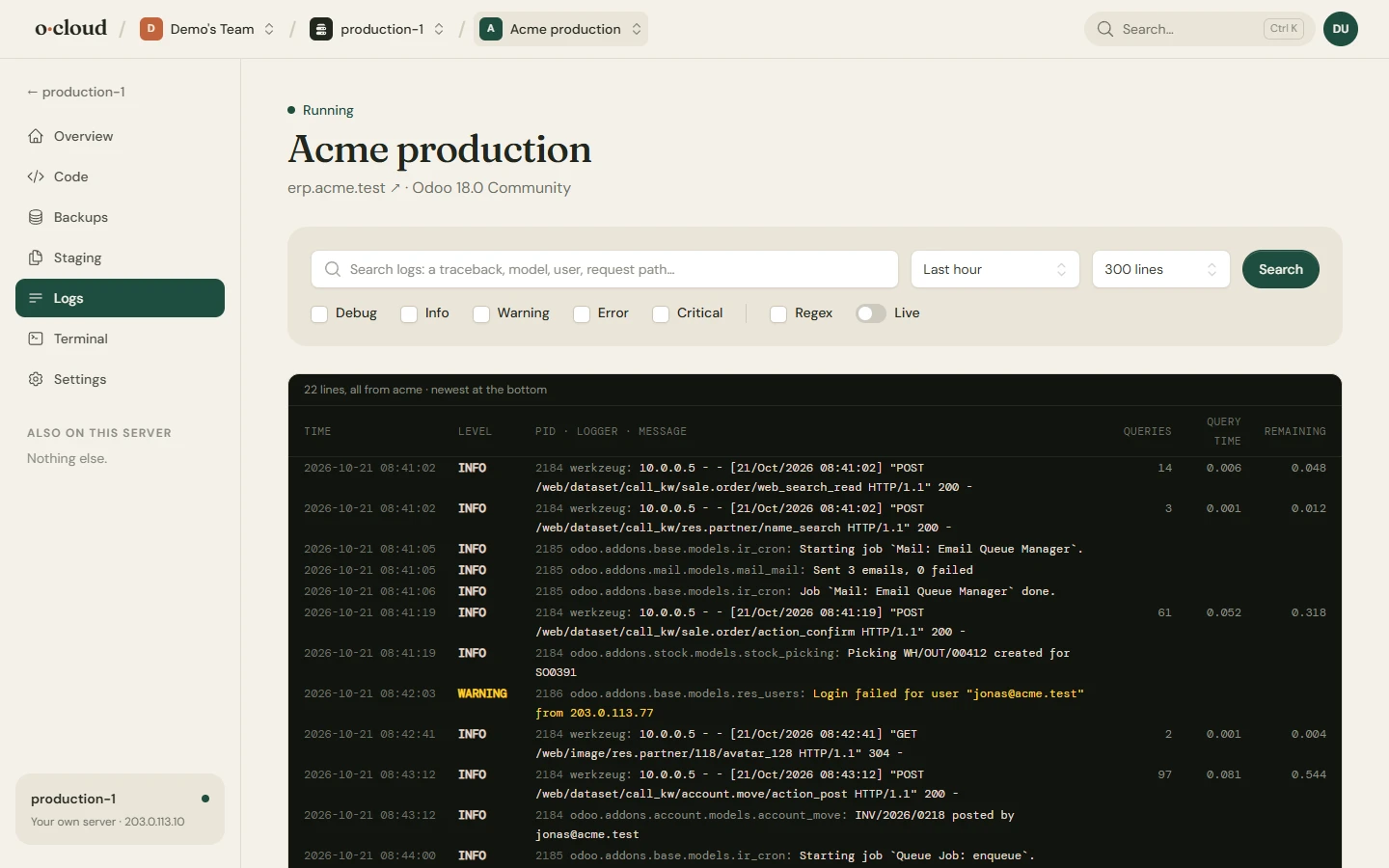
The Odoo log of an instance, read from the server, in columns: time, level, process, database, the message. Search by text or by regex, filter by level and time window, or follow it live. Instances on a server of your own also show the web server's request and error logs. Long lines and tracebacks are shown in full.
Terminal
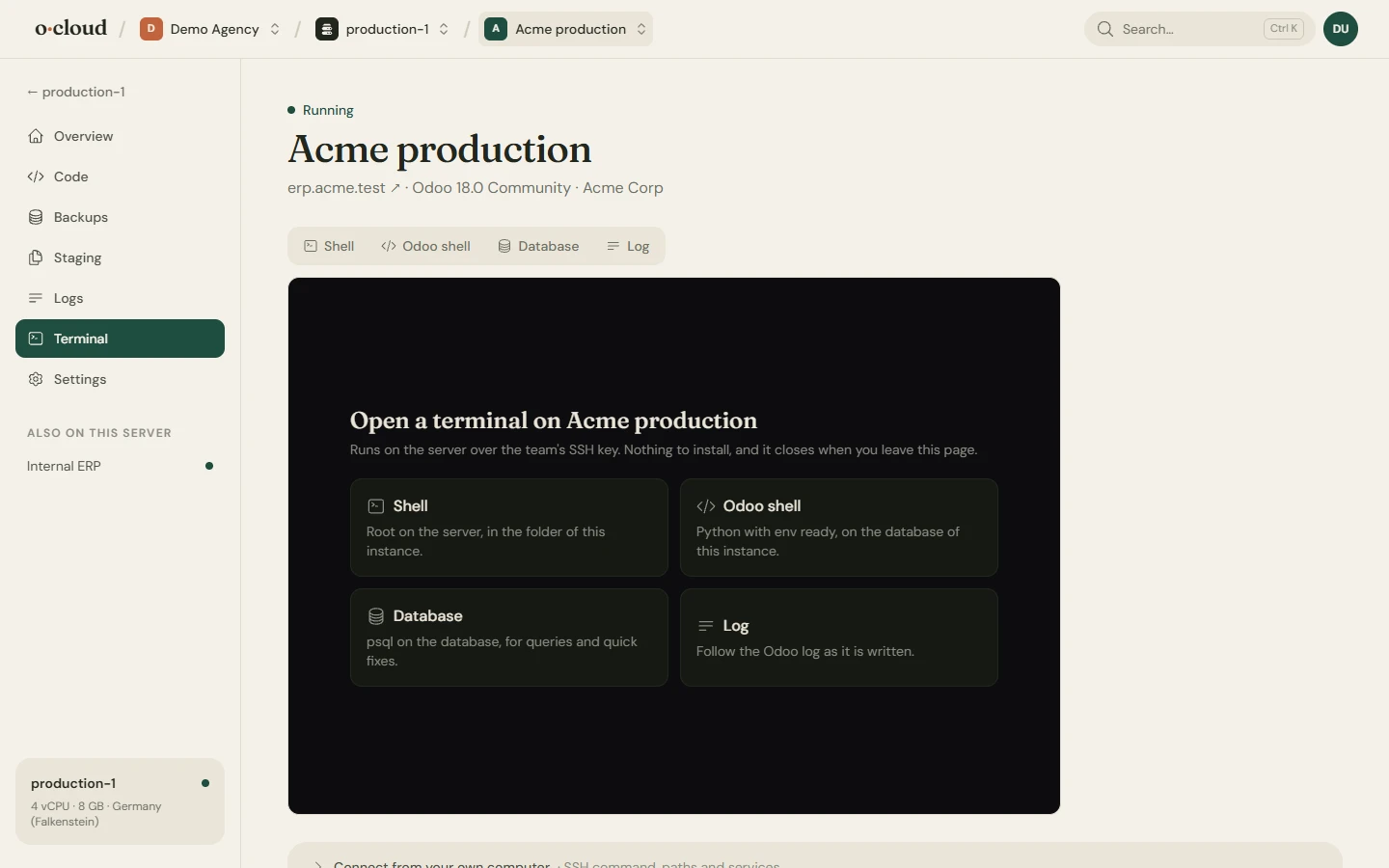
Open a shell on the server as root, the Odoo shell of the instance, psql on its database, or the live log, in the browser over the team's SSH key. Ready-made commands cover the things you do most: restart, tail the log, list modules, open a database. For owners and admins; every session is listed in the instance's activity with who opened it.
Activity
Every deploy, restart, backup, restore, terminal session and change made by an AI assistant is listed on the instance with who or what started it and its output. Tasks that fail show the error Odoo died with.