Compared with Odoo.sh
Odoo.sh charges per worker. We charge for a server.
On Odoo.sh one worker costs 60 EUR a month, and every staging environment and GB comes on top. Here a server with 2 vCPU costs 11 EUR a month, with its disk, its staging copies and as many instances as fit on it included.
- 11 EUR
- a month for 2 vCPU and 4 GB, against 143 EUR for 2 workers on Odoo.sh
- 47 EUR
- a month for 16 vCPU and 32 GB, against 1,039 EUR for 16 workers on Odoo.sh
- 0 EUR
- for a staging copy, which is one more instance on the server. Odoo.sh charges 15 EUR a month for each.
Plan by plan
Every server plan next to what Odoo.sh charges for the same number of workers, the same storage and one staging environment.
| Server | The same on Odoo.sh | Odoo.sh a month | oCloud a month | Difference a year |
|---|---|---|---|---|
| Starter 2 vCPU, 4 GB, 40 GB SSD | 2 workers, 40 GB, 1 staging | 143 EUR | 11 EUR | 1,584 EUR |
| Growth 4 vCPU, 8 GB, 80 GB SSD | 4 workers, 80 GB, 1 staging | 271 EUR | 14 EUR | 3,084 EUR |
| Business 8 vCPU, 16 GB, 160 GB SSD | 8 workers, 160 GB, 1 staging | 527 EUR | 26 EUR | 6,012 EUR |
| Scale 16 vCPU, 32 GB, 320 GB SSD | 16 workers, 320 GB, 1 staging | 1,039 EUR | 47 EUR | 11,904 EUR |
Each server is set against one Odoo.sh worker per vCPU, Odoo.sh storage as large as its disk and one staging environment, at 60 EUR per worker, 15 EUR per staging environment and 0.20 EUR per GB a month, the monthly prices on odoo.sh/pricing on 23 October 2026. Odoo.sh takes 20 % off for a year paid up front. Both exclude VAT and the Odoo Enterprise subscription. Backups count towards Odoo.sh storage; ours go to your own bucket for free or to our storage at 0.05 EUR per GB.
Where the difference comes from
Workers are not a product
An Odoo worker is a process on a server. Odoo.sh sells them one by one; here you rent the server and set as many workers as it has room for, and change them in a form whenever you like.
Staging is just another instance
A staging copy is a neutralized duplicate on a server you already pay for, so ten of them cost what one does: nothing more.
The disk comes with the server
The database and the filestore live on the server's own SSD. Backups go to your own S3 bucket or SFTP server for free, or to our storage per GB.
What you keep, what you gain, and what is not here
Lower prices are only worth it if the work stays the same. Most of it does; some of it does not, and you should know which before you move.
| Area | Odoo.sh | oCloud |
|---|---|---|
| Odoo editions | Enterprise only, with an Odoo subscription on the Custom plan | Community with no subscription at all, or Enterprise with the same subscription you need for Odoo.sh |
| Deploys | A build for every push, branch and pull request | A deploy on every push to the branch an instance follows, or by hand |
| Automated tests | Tests run on every commit of a development branch | Not yet |
| Staging | Branches built on a copy of production | Neutralized copies of any instance on any server, on the commits that are live |
| Community modules | Git submodules | OCA and other repositories from a catalog or any git URL, each on its own branch |
| Logs and shell | Logs and a shell in the browser, SSH into the container | Searchable logs, a shell, the Odoo shell and psql in the browser, and root on the server |
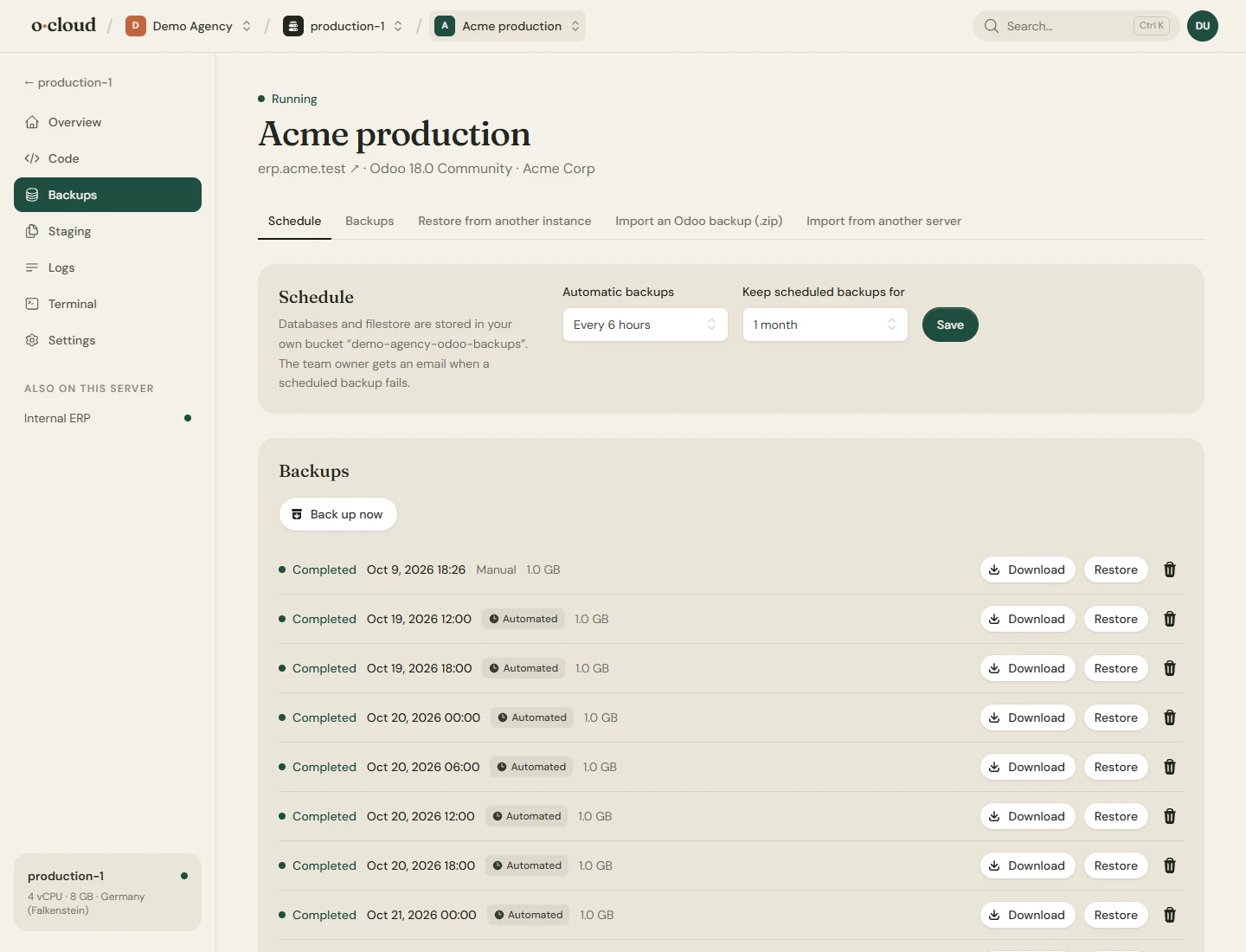
| Backups | Daily, incremental, in three data centres | Hourly to monthly, to our storage or your own S3 bucket or SFTP server, with download and restore |
| Outgoing and incoming mail set up, and a mail catcher on staging | Your own provider, from Google Workspace to Brevo or SES, set up in Odoo from a form, with the SPF, DKIM and DMARC records written in Cloudflare. Staging copies have outgoing mail turned off | |
| Odoo version upgrades | Built in, with a test upgrade first | Through Odoo's upgrade service for Enterprise on a server of ours, with a copy of the database kept |
| Server | Shared, or dedicated for 500 EUR a month plus at least 8 workers | Your own server from 11 EUR a month, or one you bring for 5 EUR |
| System access | A container: no system packages, no long-running processes of your own, and scheduled actions that keep hitting the time limit are switched off | Root on your own server: system packages, queue workers and other services, and time limits you set yourself |
| Data centres | The Americas, Europe, the Middle East, India, Singapore and Australia | Germany (Falkenstein), Germany (Nuremberg), Finland (Helsinki), USA East (Ashburn, Virginia), USA West (Hillsboro, Oregon) and Singapore |
| PostgreSQL | Managed for you | Tuned to the server, with every parameter open for a manual override |
| Support | From Odoo S.A., as part of the Enterprise subscription | By mail from us. Odoo S.A. still supports Enterprise itself under your subscription |
| Leaving | Download a backup | Download a backup, or disconnect and keep the server running as it is |
Moving in
From Odoo.sh in an afternoon
Create a server and an instance on Odoo 17.0, 18.0, 19.0, 20.0, connect the GitHub repository your Odoo.sh project already deploys from, and upload the Enterprise source from your subscription.
Download a backup with the filestore from the Odoo.sh backups page and import the zip on the instance's Backups page; a zip over 1 GB we load for you. Try it on the temporary domain, then point your own domain at it. Odoo.sh keeps running until you are sure.
Questions
Before you switch
Does my Odoo Enterprise subscription still work?
Odoo sells Enterprise on the Custom plan for Odoo Online, Odoo.sh and on-premise alike, and a server of ours counts as on-premise. The subscription and its price stay the same; what you stop paying is the Odoo.sh hosting on top of it.
How many workers fit on a server?
The comparison counts one worker per vCPU, which is cautious: Odoo's own guidance allows up to two per core plus one, memory permitting. The server page shows what every instance uses, and the workers are a setting you change in a form.
Is a server here as reliable as Odoo.sh?
A server here is one machine in one data centre, monitored every five minutes, with backups wherever you send them. Odoo.sh replicates storage live and keeps backups in three data centres. If you need that, keep backups in a bucket in another region; the price difference leaves room for it.
What does Odoo.sh have that you do not?
A build for every branch and pull request with tests run on it, a mail server of its own with a mail catcher on staging, live storage replication, data centres in more countries, and support from Odoo S.A. for the hosting. If those are what you rely on, Odoo.sh is worth its price.