Servers
The server dashboard, monitoring, PostgreSQL tuning, SSH keys, OS updates and security.
A server is a machine Odoo runs on: a cloud server of ours, one in your own Hetzner project, or any Ubuntu or Debian server you connected over SSH.
The servers page
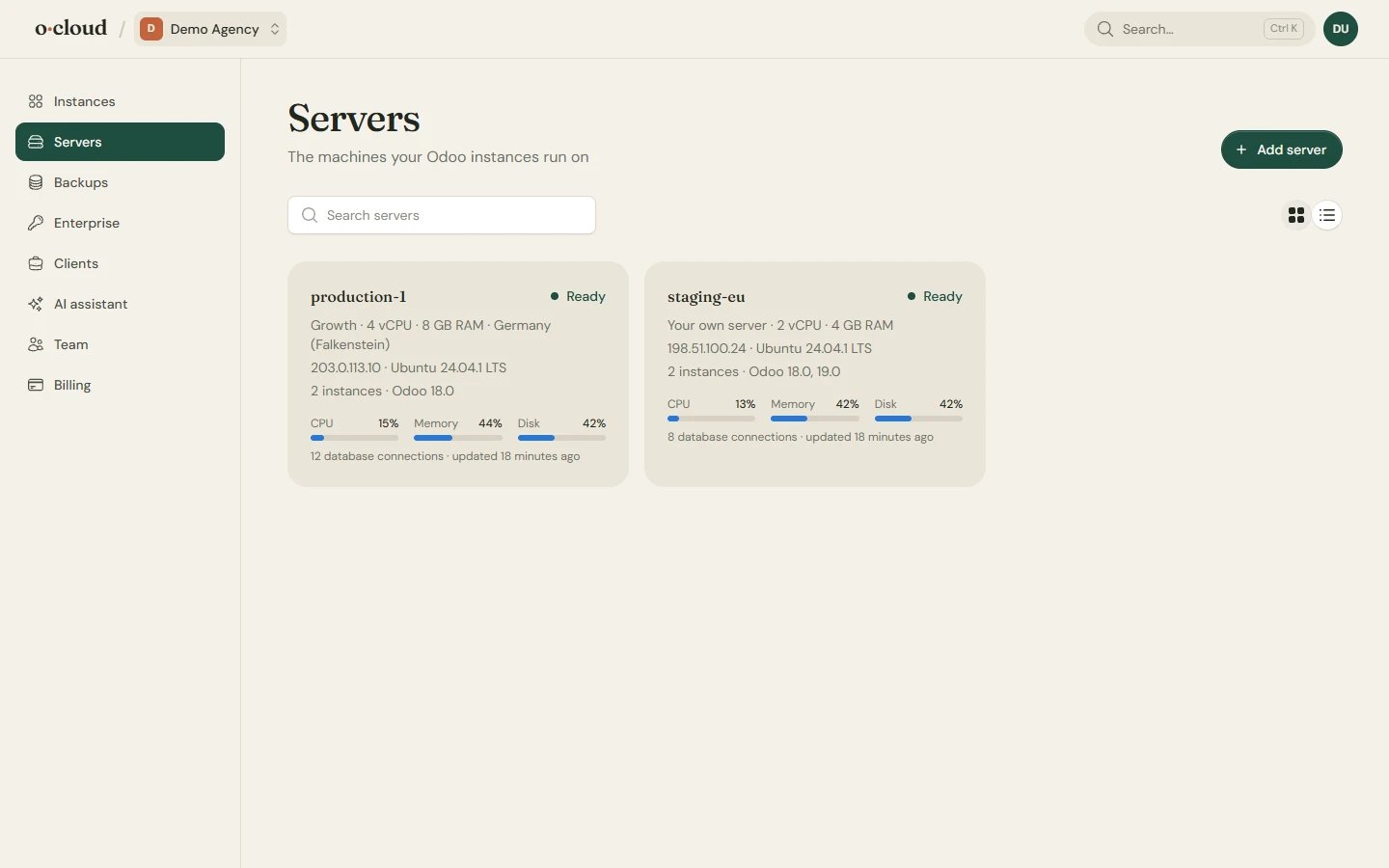
Search, a grid or a list, and for each server its status, address, operating system, the number of instances and the CPU, memory, disk and connection figures from its last sample.
The server dashboard
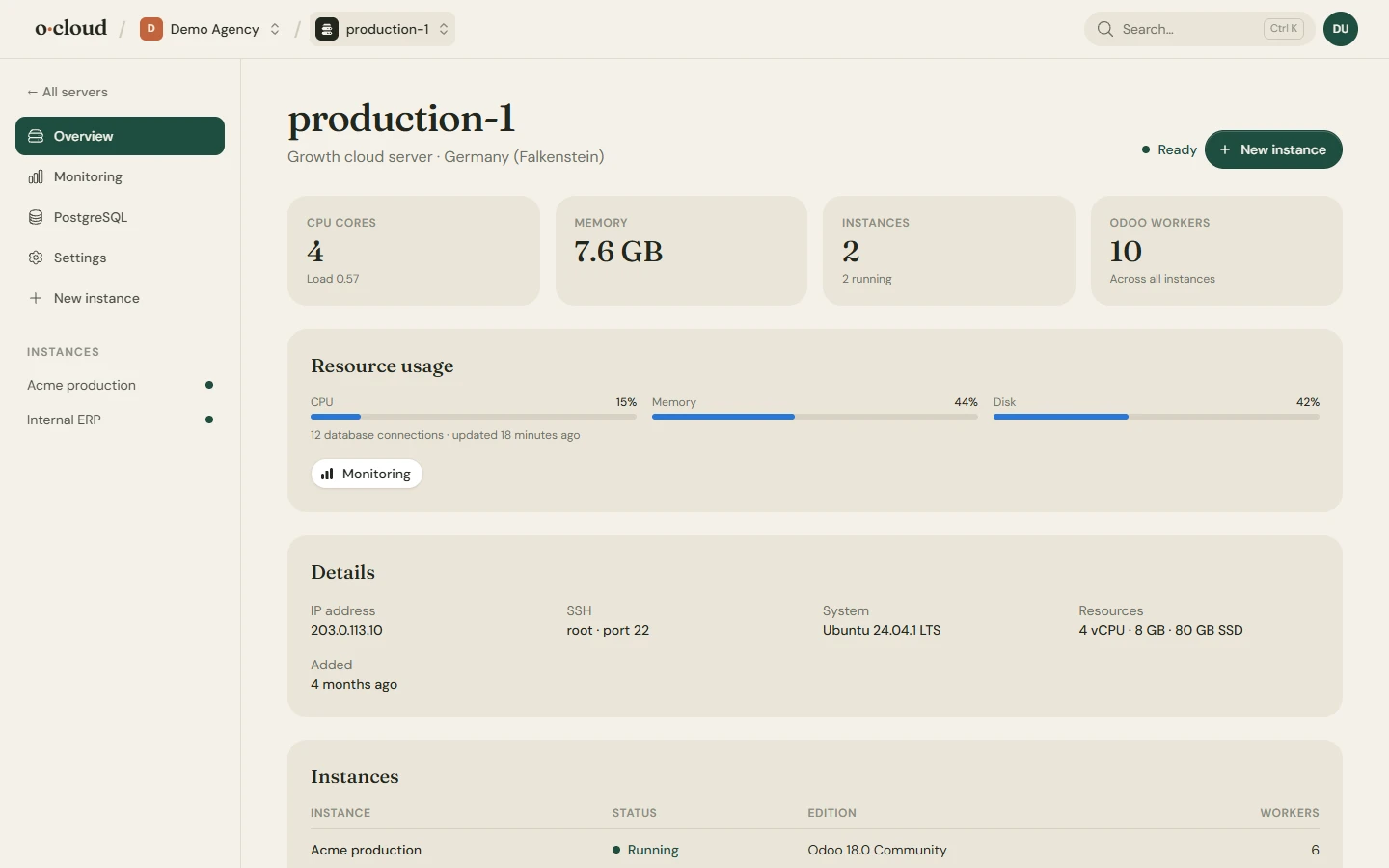
What the server is and what runs on it. The instance table links to each instance; New instance creates one on this server.
Monitoring
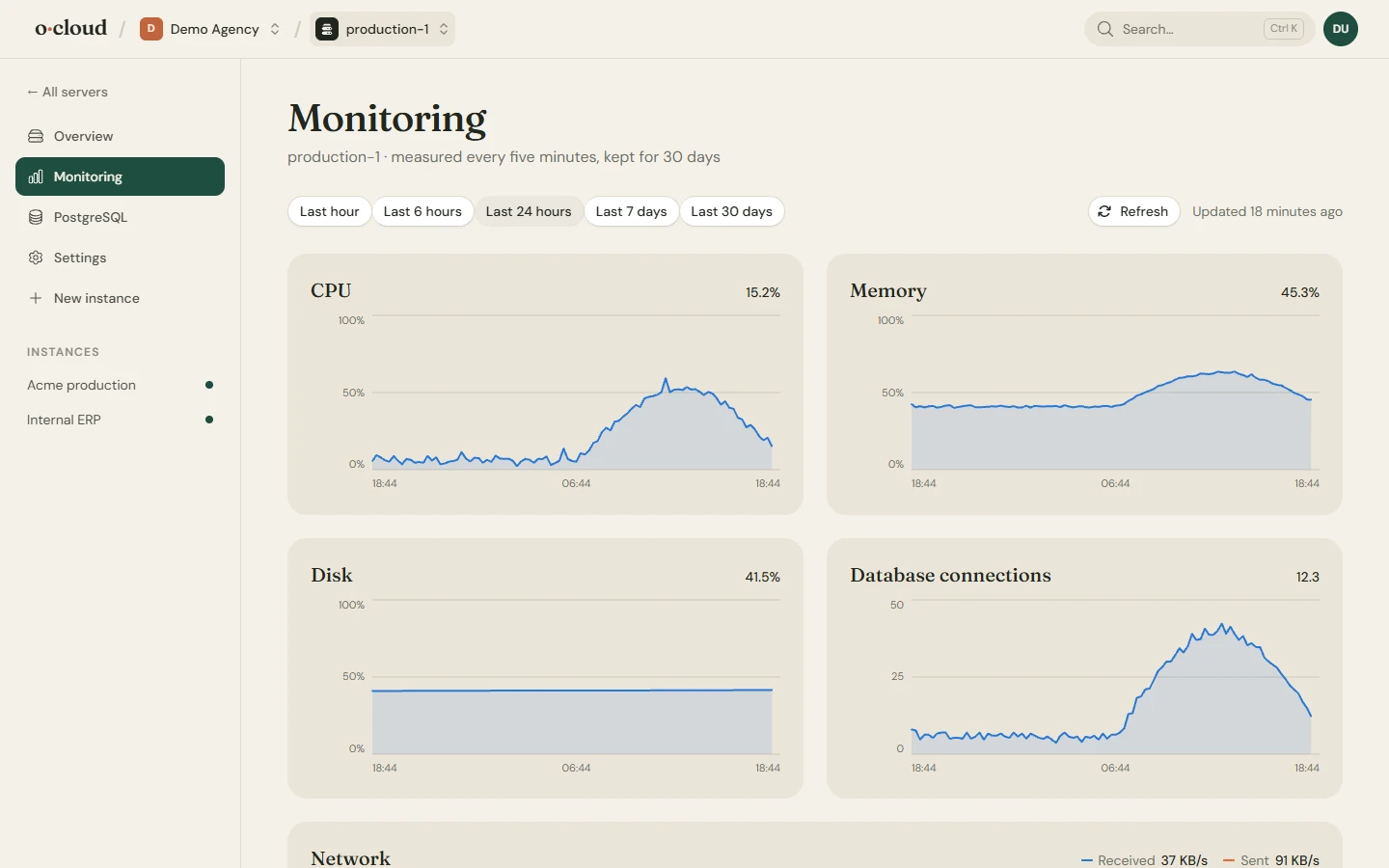
Sampled every five minutes and kept for 30 days, with a range selector. The team owner is mailed when the disk passes 90%, or when memory or CPU stay above 95% for half an hour, once a day while it lasts. More in Monitoring, logs and terminal.
PostgreSQL
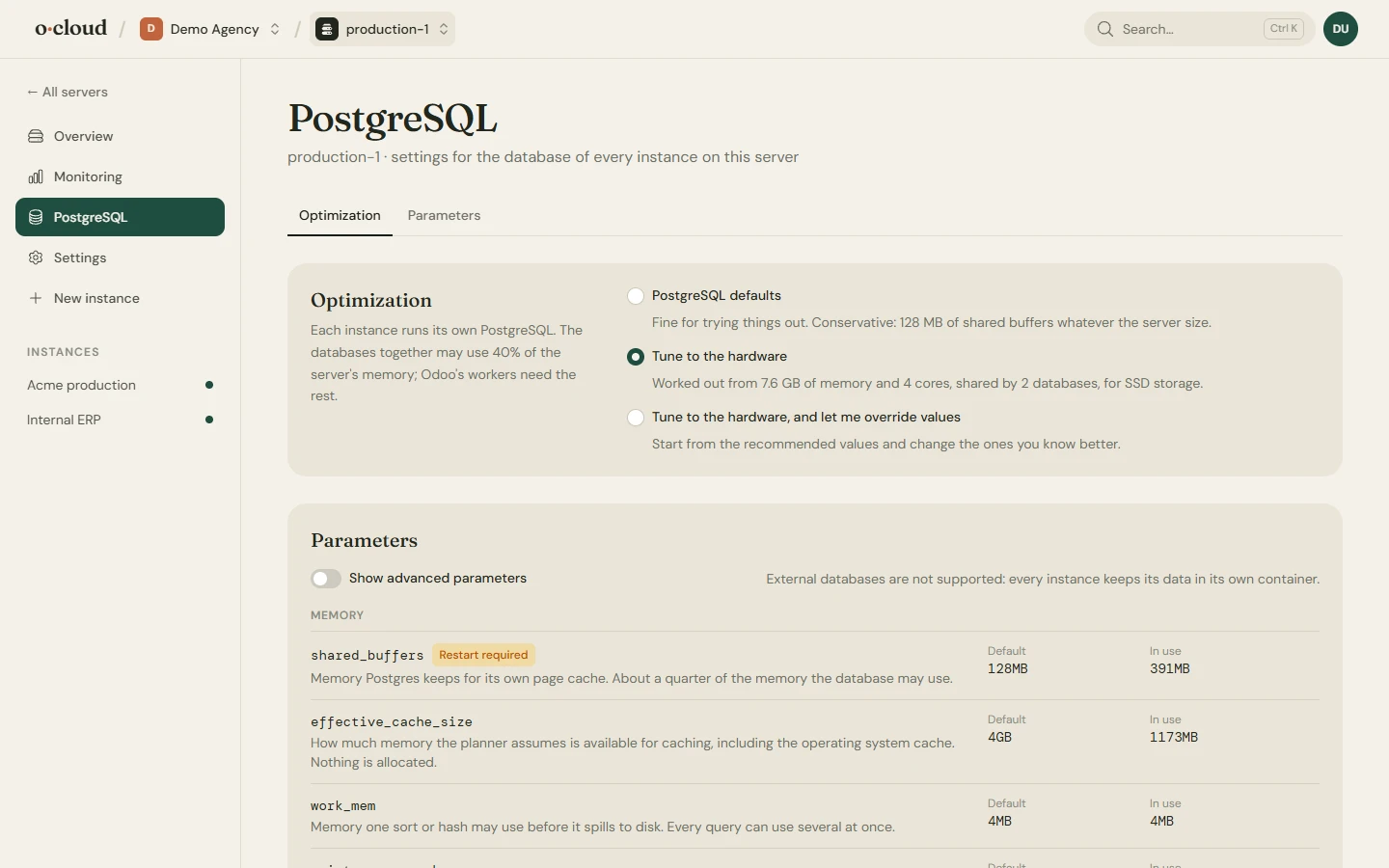
Shared buffers, work memory, connections, WAL and the rest are set from the cores and memory of the server. Switch to manual to override any of them; a review shows what changes and whether it needs a reload or a restart before anything is applied. A server that runs Odoo directly tunes the one PostgreSQL its instances share, in conf.d, and can move it to a newer major version with the old cluster kept.
Settings
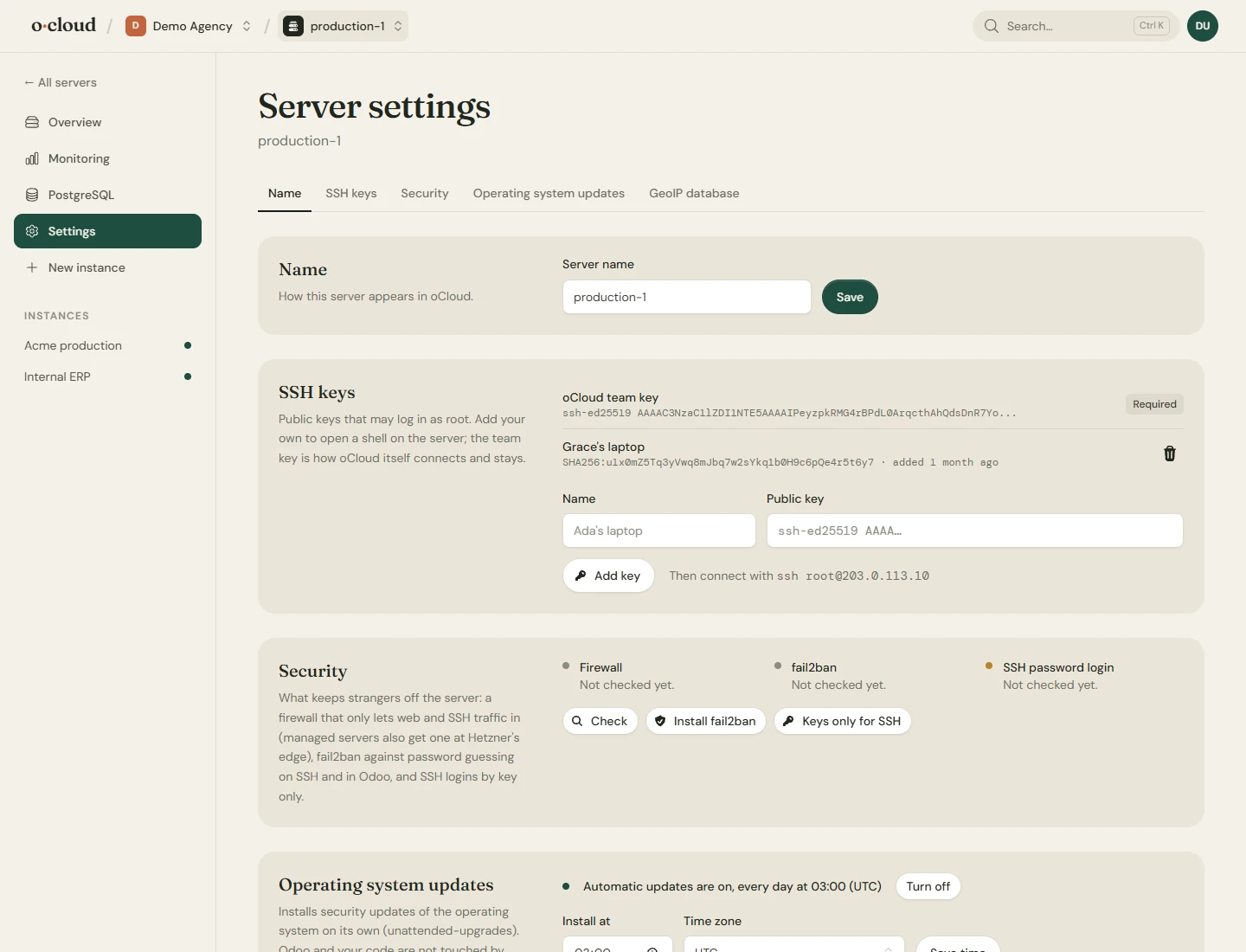
- SSH keys: public keys that may log in as root. Add your own to open a shell; the team key is how oCloud connects.
- Security: a firewall that lets only web and SSH traffic in (cloud servers also get one at the provider's edge), fail2ban against password guessing on SSH and in Odoo, and SSH by key only. The check shows what is on.
- Operating system updates: security updates installed on their own. Odoo and your code are not touched by this.
- GeoIP: the GeoLite2 databases Odoo uses to locate website visitors.
- Previous panel: on a server set up by another panel, removes what it left behind once every Odoo has been taken over. See Moving an existing Odoo.
- Delete a cloud server, which cancels its subscription, or disconnect your own, which leaves it running as it is with an option to take our key off it.
Your own Hetzner project
Add an API token of your Hetzner project on the Team page. Servers can then be created in your project from the add server page, and the ones connected from it can be rebooted, snapshotted and backed up from here. The invoice for the machine comes from Hetzner.