Moving an existing Odoo
Keep an Odoo where it runs and manage it from here, or copy it over SSH. Leaving CloudPepper.
For an Odoo that runs directly on a server today, installed by hand, by CloudPepper or by another panel. There are two ways in: keep it where it is, or copy it to a new instance.
Keep it where it is
oCloud connects to the server and manages the Odoo that already runs there. Nothing is installed, moved or removed, and there is no downtime.
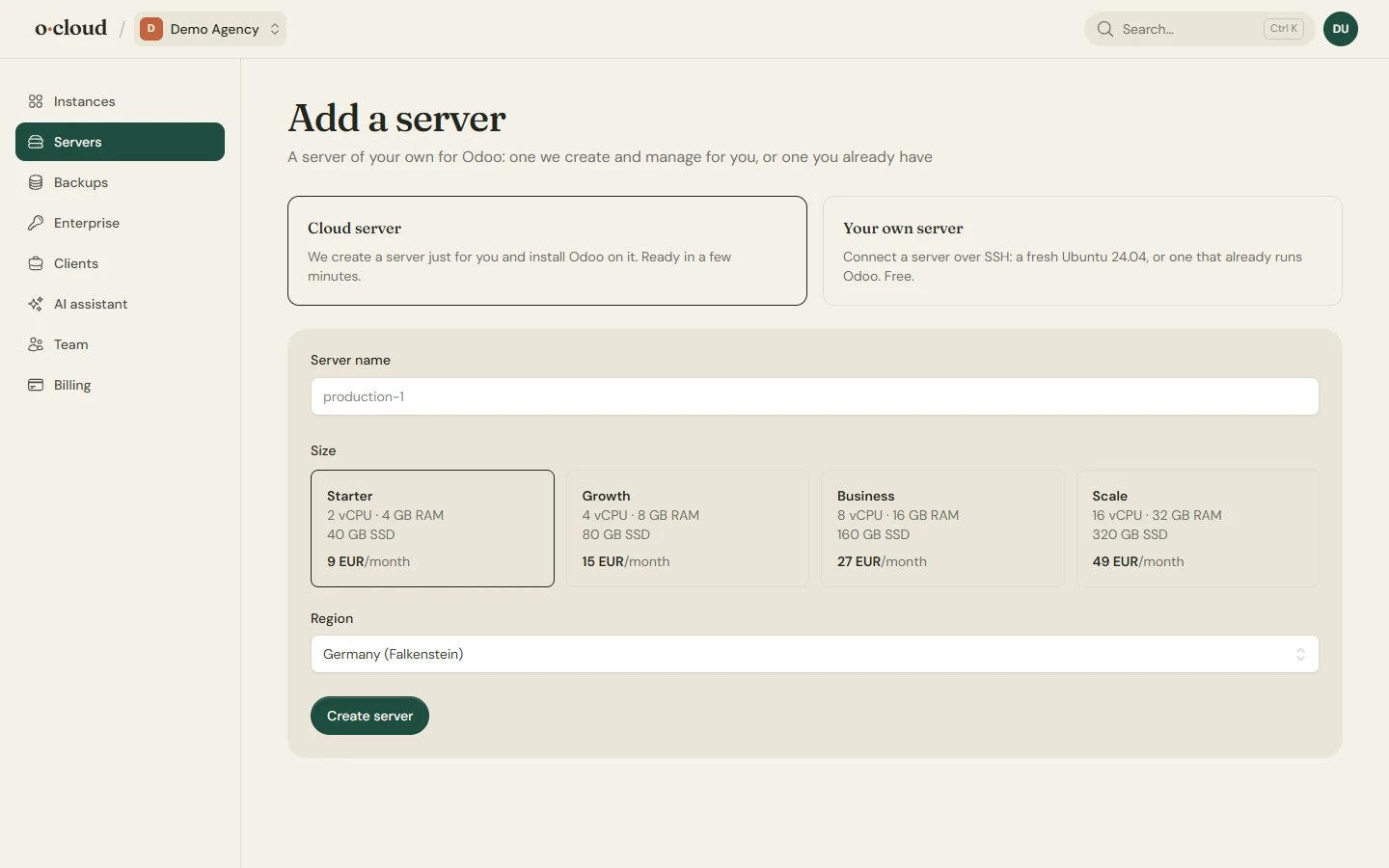
- Servers → Add a server → Your own server, switch on This server already runs Odoo, add the team's public key to
/root/.ssh/authorized_keyson the server and connect. - The running Odoo service is found, with its
odoo.conf, source checkout, database and filestore, and added as an instance. Restart, logs, module updates and backups work at once. - The folders on the addons path are matched to the GitHub repositories they come from: a git clone by its remote, a plain copy (CloudPepper's
repository.git-idfolders, say) by its name and the exact files it holds, among the connected GitHub account's repositories and the marketplace. Each connected repository stays on the commit the server already runs, so the first Deploy changes no code. - The instance's Code page lists every folder under Repositories, connected or not. Connect GitHub on the Team page first if it was not. Look again reads the folders on the server again after you pushed code that was not on GitHub yet. A copy that was changed on the server matches no commit; Connect anyway takes the branch head instead, and the next update replaces the changed code.
A tool that managed the server before, such as the CloudPepper agent, keeps running until you remove it. Stop using it for deploys once oCloud has taken over a repository, or the two will overwrite each other's addons_path.
What an adopted Odoo looks like
It is managed at arm's length: its odoo.conf, service, web server and certificate are left alone. The configuration form on its Settings page edits only the options it shows, in place, with a backup of the file next to it and a rollback if Odoo does not start. Every repository stays on the commit it is on unless it deploys on push; Update pulls the newest commit of one repository, Update & upgrade also upgrades its installed modules in Odoo.
Take it over fully
Settings → Take over fully makes it an Odoo that oCloud manages completely, in place and with one restart:
- The options in
odoo.confbecome the instance's configuration. Options with no field of their own, such asserver_wide_modules, are kept verbatim in the free-form box. The file is written by oCloud from then on. - Paths, ports, system user, database and filestore stay exactly what they were. Every folder on the addons path stays, until a repository of the same name is added on the Code page and takes its place. An Enterprise folder found there is moved next to the source.
- A systemd unit under its existing name and an nginx site are written. The previous panel's site files for the same names are moved to
/root/ocloud-replaced. The existing certificate is kept and its renewal is taken over.
Remove the previous panel
Once every Odoo on a server has been taken over fully, a Previous panel section appears on the server's Settings page. It removes the CloudPepper agent and the services it left behind. Until then they keep running and do no harm.
Copy it instead
If the old server should go, create a new instance here and bring the data over:
- Import over SSH: the database and filestore of an Odoo on any other server are copied into the new instance, on the Backups page of the instance.
- Import a zip from Odoo's database manager, on the same page. Dumps can be imported from the same or an older PostgreSQL version.
Point the domain at the new server when it looks right. The old one keeps running until you switch.
Leaving oCloud
Disconnecting a server leaves it running exactly as it is, with an option to take oCloud's SSH key off it. An Odoo that was taken over fully keeps its systemd unit and nginx site; there is nothing of ours that needs to be there for it to run.