Managed Odoo hosting
Odoo hosting for a fraction of the Odoo.sh price
A server with 2 vCPU for Odoo costs 11 EUR a month here. On Odoo.sh, 2 workers cost 120 EUR before storage and staging. Run Odoo 17.0 to 20.0, Community or Enterprise, with Git deploys, staging, backups, monitoring, logs and a terminal in the browser.
- Odoo
- 17.0, 18.0, 19.0, 20.0
- A server of your own from
- 11 EUR a month
- Backups
- hourly to monthly
Compared with Odoo.sh
The same Odoo, a different bill
Odoo.sh sells workers, staging environments and storage one by one. Here you pay for a server and run as many workers, staging copies and instances as it has room for.
| Server | The same on Odoo.sh | Odoo.sh a month | oCloud a month | Difference a year |
|---|---|---|---|---|
| Starter 2 vCPU, 4 GB, 40 GB SSD | 2 workers, 40 GB, 1 staging | 143 EUR | 11 EUR | 1,584 EUR |
| Growth 4 vCPU, 8 GB, 80 GB SSD | 4 workers, 80 GB, 1 staging | 271 EUR | 14 EUR | 3,084 EUR |
| Business 8 vCPU, 16 GB, 160 GB SSD | 8 workers, 160 GB, 1 staging | 527 EUR | 26 EUR | 6,012 EUR |
| Scale 16 vCPU, 32 GB, 320 GB SSD | 16 workers, 320 GB, 1 staging | 1,039 EUR | 47 EUR | 11,904 EUR |
Each server is set against one Odoo.sh worker per vCPU, Odoo.sh storage as large as its disk and one staging environment, at 60 EUR per worker, 15 EUR per staging environment and 0.20 EUR per GB a month, the monthly prices on odoo.sh/pricing on 23 October 2026. Odoo.sh takes 20 % off for a year paid up front. Both exclude VAT and the Odoo Enterprise subscription. Backups count towards Odoo.sh storage; ours go to your own bucket for free or to our storage at 0.05 EUR per GB.
What you keep, what you gain, and what is not hereWhere Odoo runs
Two ways to host, one panel
Start on a cloud server of ours, or connect the servers you already have. The pages, backups and deploys are the same on both.
Your own cloud server
From 11 EUR a month
A dedicated server we create and look after, with Odoo installed directly on it. As many instances, users and deploys as it has room for.
Bring your own server
5 EUR per month
Connect any Ubuntu server over SSH: a fresh one, or one that already runs Odoo. We manage it as it is, with no downtime and nothing moved.
Not sure which? How to choose in the docs.
What you get
Everything a hosting panel should do, and nothing it should not
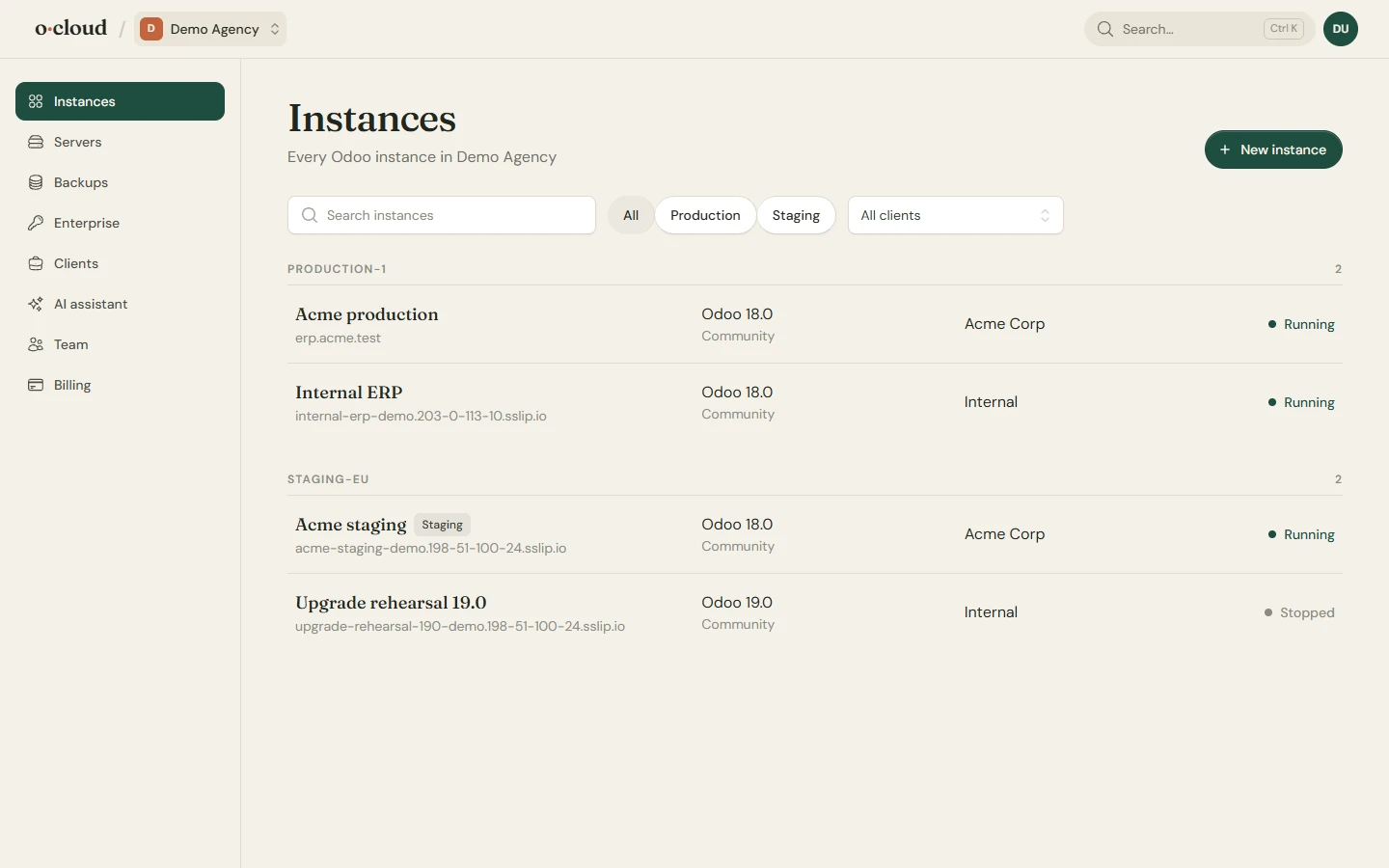
The daily work of running Odoo, in pages that read like a to-do list rather than a control room.
Deploys
Push to GitHub, and it is live
Connect a repository and a branch to an instance. Every push builds and deploys, with Python requirements installed for you. Add OCA and other community repositories from the catalog, or any git URL, each with its own branch.
Repositories stay on the commit they are on until you update them, so nothing changes under your feet. Upgrade the installed modules after an update with one switch.
Backups
Backups you can actually restore
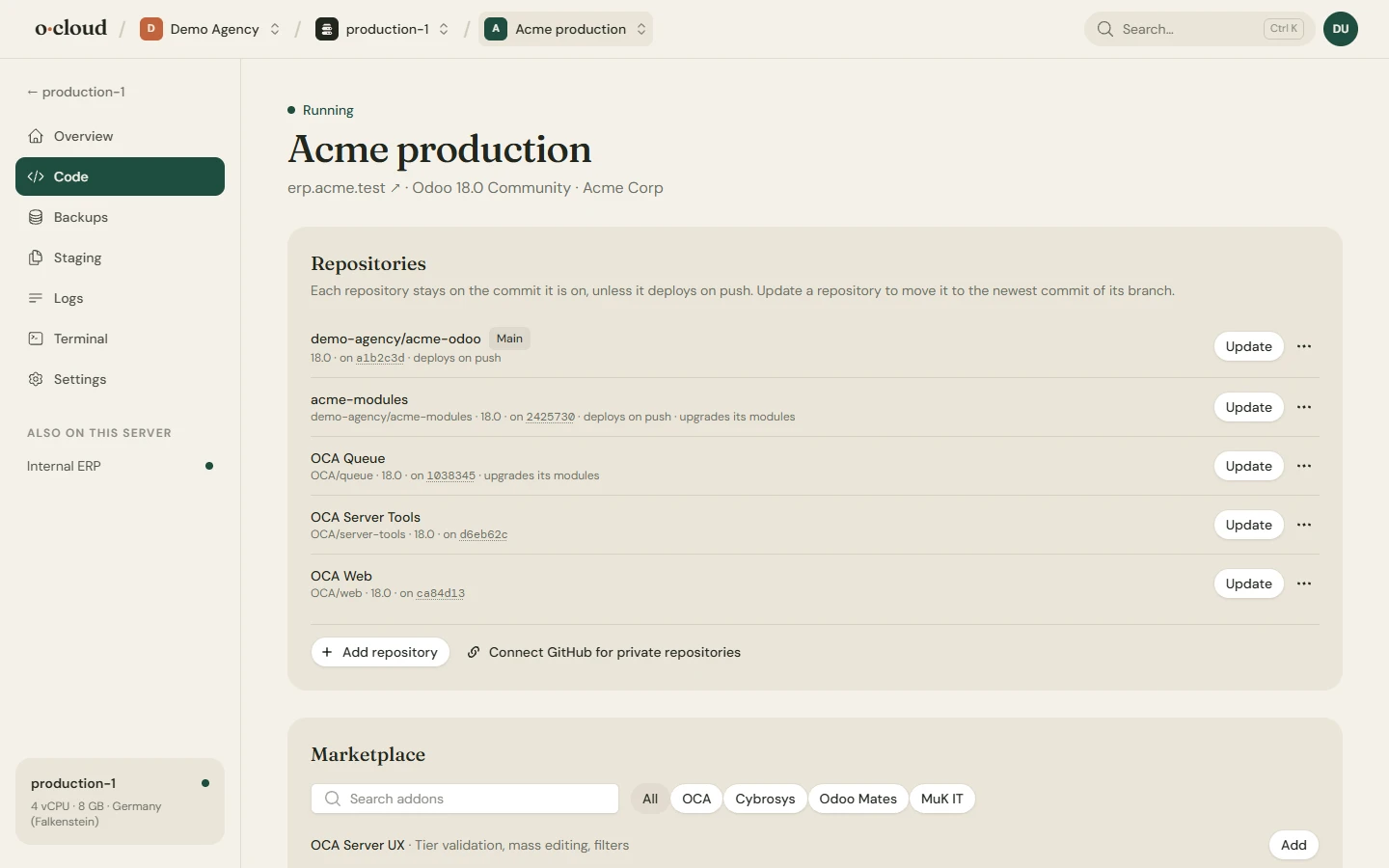
Every database and the filestore, hourly to monthly, kept for a day or forever. Download a backup, restore it, or restore it into another instance. Import a zip from Odoo's database manager.
Store them with us for 0.05 EUR per GB a month, or for free in your own S3 compatible bucket or SFTP server. The team owner is mailed when a scheduled backup fails.
Monitoring
See what the server is doing
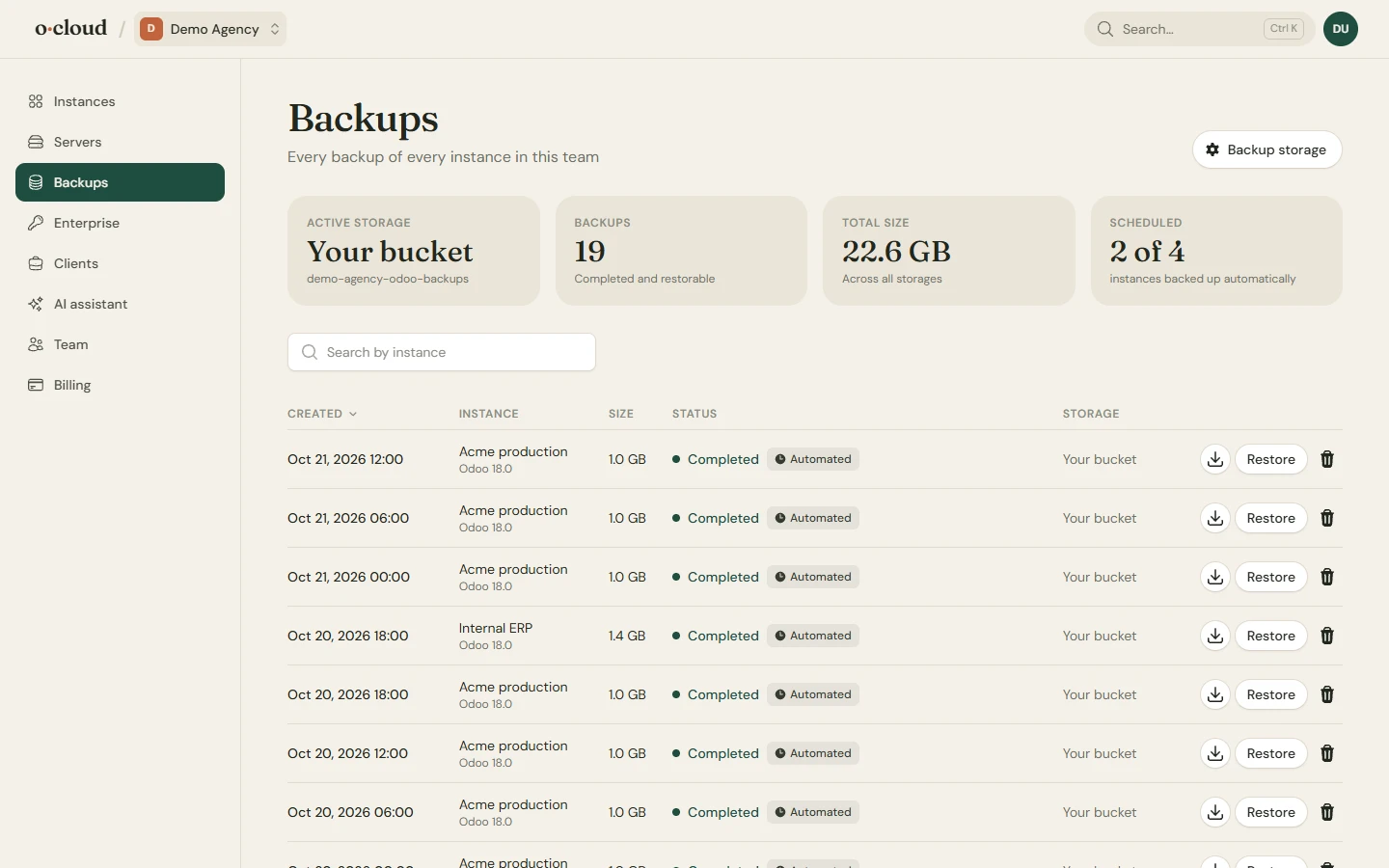
CPU, memory, disk, network and database connections of every server, sampled every five minutes and charted for a month. Every instance is checked every five minutes; you are mailed when one stops answering and when it is back.
PostgreSQL is tuned to the hardware, with manual overrides and a review of what changes before anything restarts.
Logs and terminal
The server, from your browser
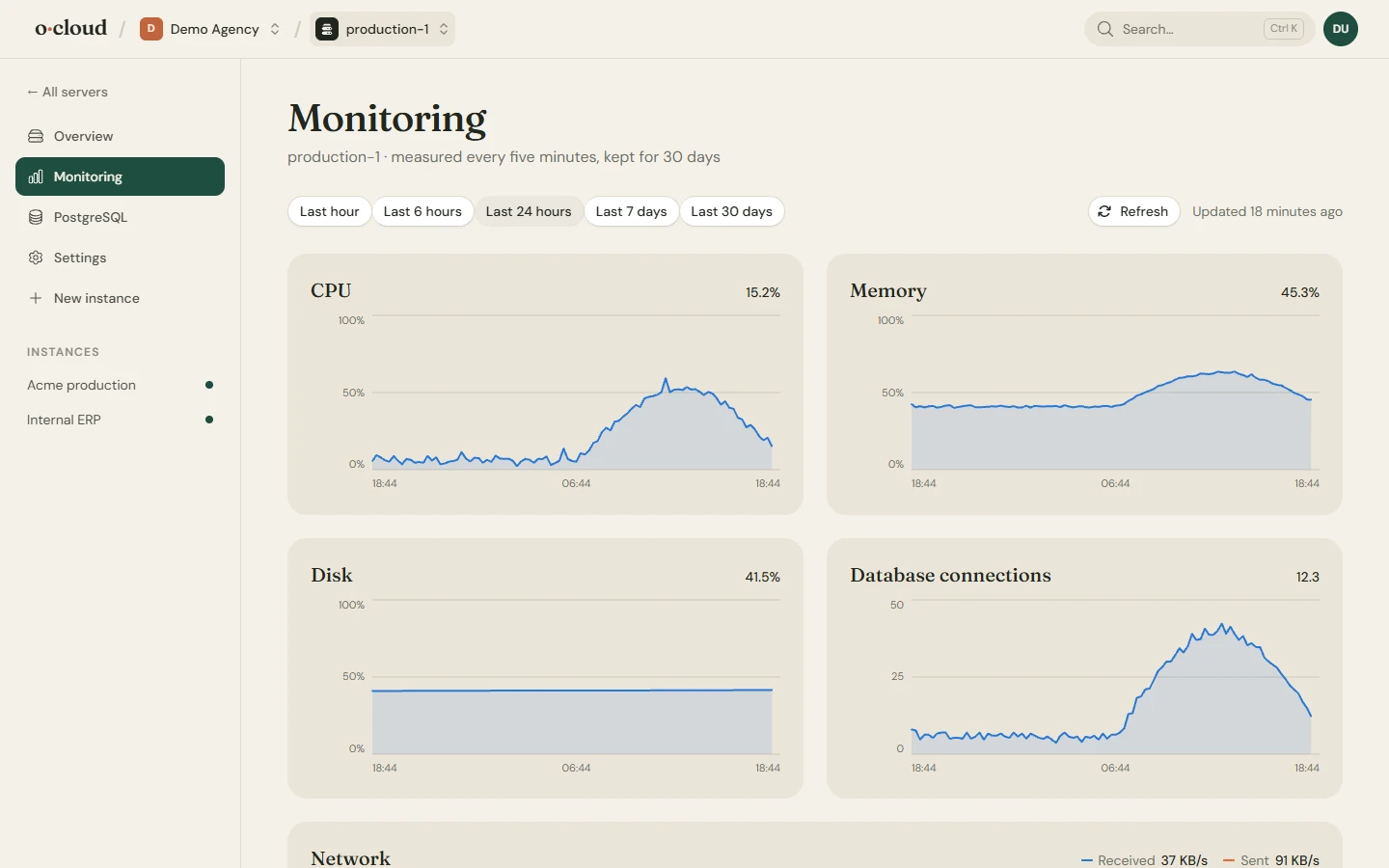
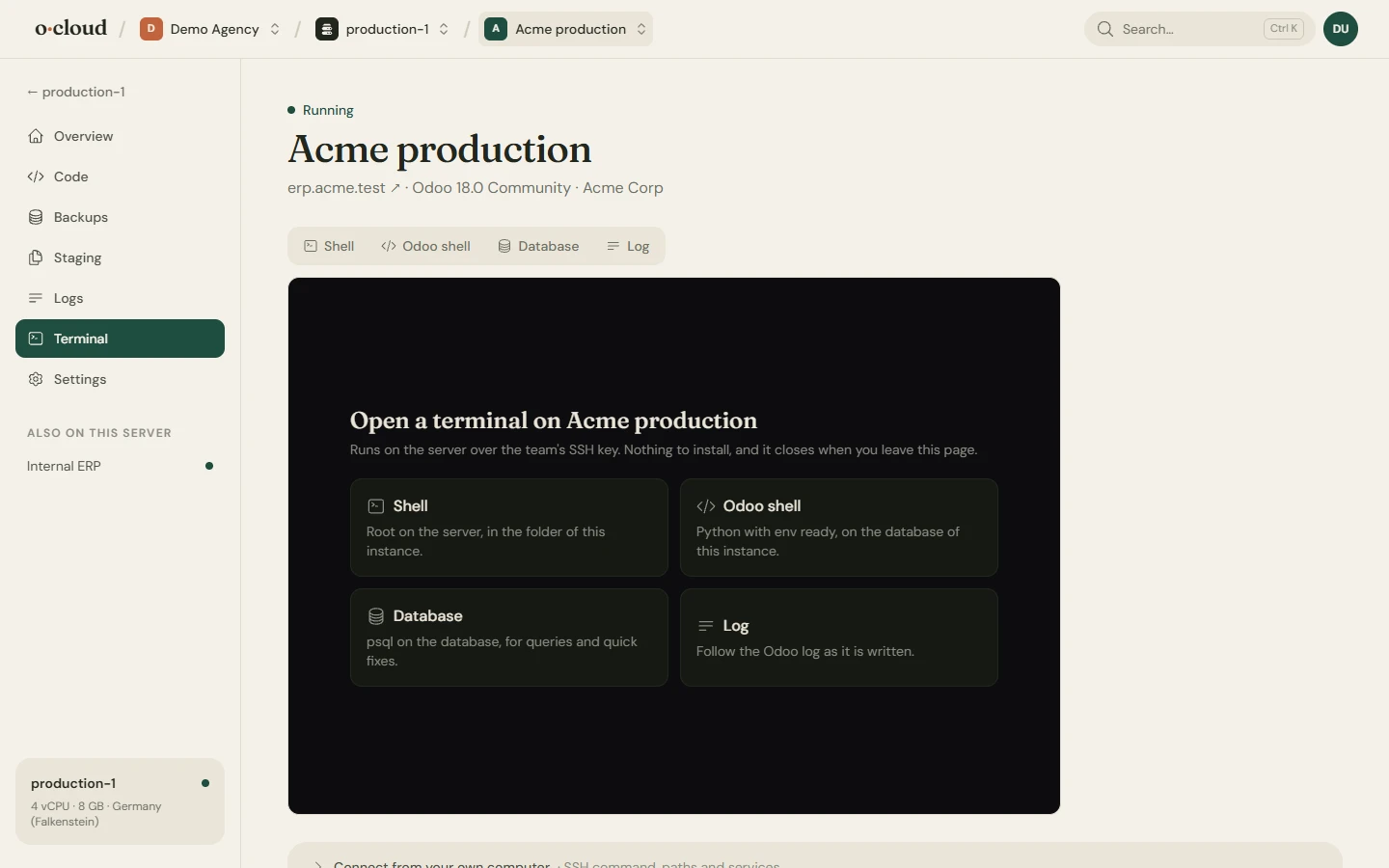
Search the Odoo log by text or regex, filter by level and time window, or follow it live. Open a shell, the Odoo shell, psql or the live log in the browser, with ready-made commands for the things you do most.
Log in to any instance as any of its users without the password, from the overview page.
And the rest
The small things that make a week easier
Domains and HTTPS
A temporary domain at once, your own domains after, with certificates that renew themselves and a redirect from the old names. A connected Cloudflare account gets its DNS records written for it.
Odoo Enterprise
Upload the Enterprise source from your subscription once and use it on any instance. Move a dedicated install to a newer Odoo version through Odoo's upgrade service, with a copy of the database kept on the server.
Staging
Duplicate an instance to any server as a neutralized copy, on the commits that are live. Rehearse an upgrade or try a module without touching production.
Updates
See how many commits an instance is behind, update every night if you like, and upgrade modules after each update. Odoo itself can be pinned to a dated build.
Full configuration
Workers, memory and time limits, the database filter, the database manager switch and any other odoo.conf option, in a form.
Security by default
Keys-only SSH, a firewall, fail2ban for SSH and Odoo logins, automatic operating system updates and two-factor authentication for your team.
PostgreSQL that fits
Tuned to the cores and memory of the server, with every parameter open for a manual override. Move to a newer major version with the old cluster kept.
Mail when it matters
An instance that stops answering, a backup that failed, a disk that is filling up, a certificate that did not renew: the team owner hears about it, once.
AI assistants
Let Claude, ChatGPT or your coding assistant check on Odoo, read the logs, deploy and back up, with a key that allows exactly as much as you want.
AI assistant
Ask your assistant how Odoo is doing
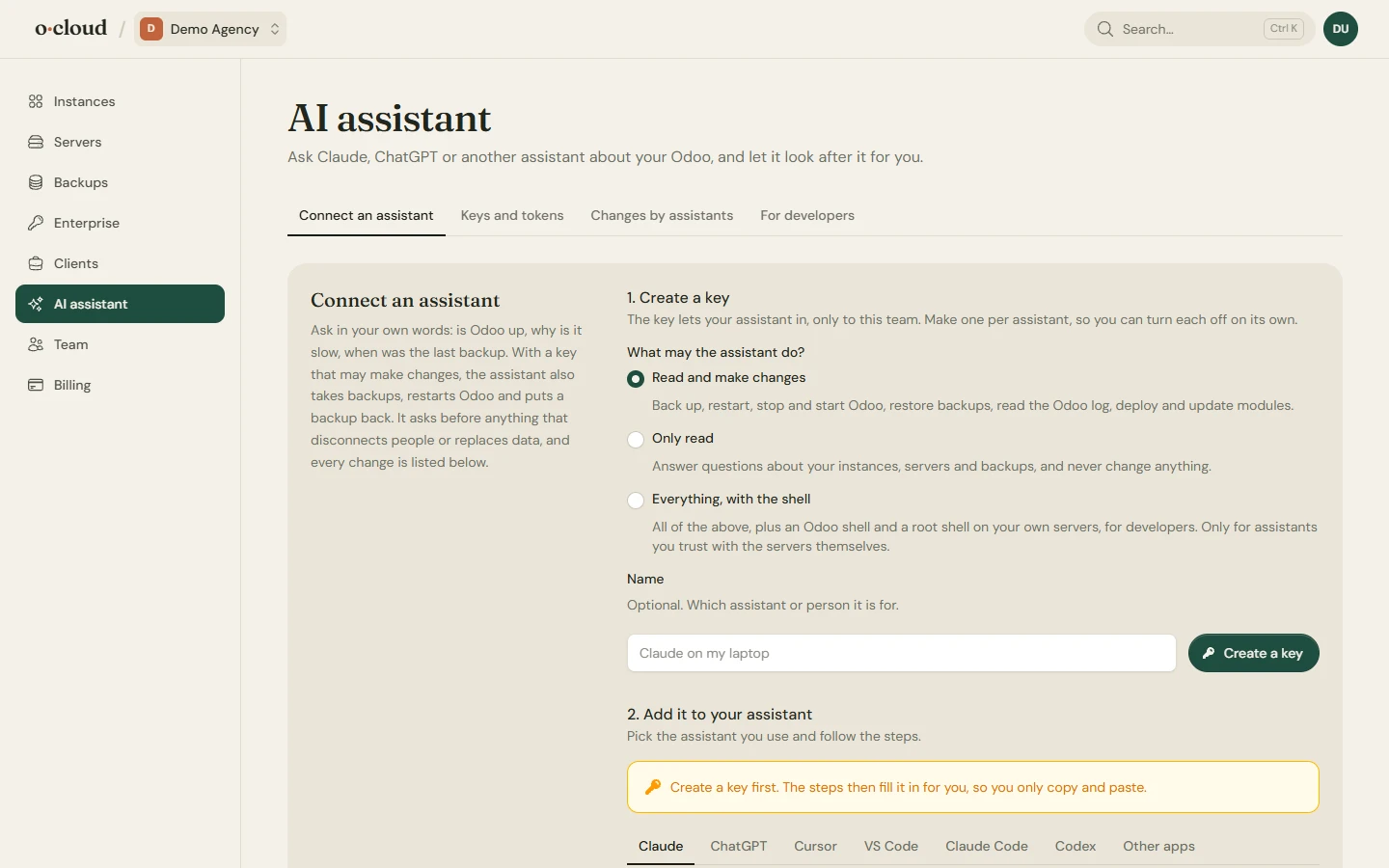
Connect Claude, ChatGPT, Cursor, VS Code, Claude Code or Codex from the AI assistant page. A key only reads, or also makes changes, or also opens a shell, and every change an assistant makes is listed on the page with the key's name.
A business owner asks whether Odoo is slow and gets an answer in plain words. A developer gets the logs, the modules and a deploy from inside the editor.
For agencies
Dozens of customer instances, kept tidy
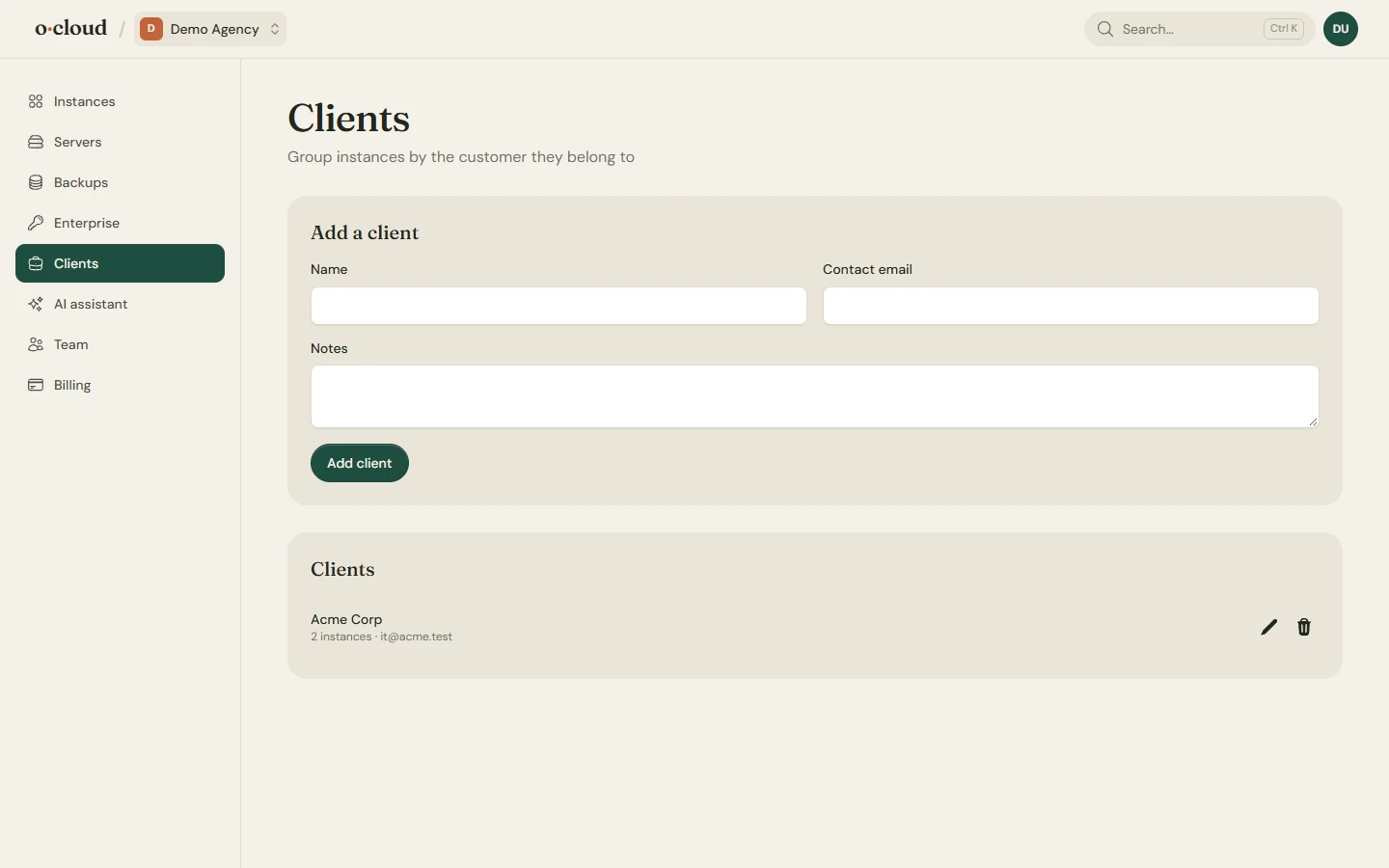
Clients group the instances you run for each customer. Admin, member and read-only roles, with invitations by email, let a customer see their own Odoo without touching anyone else's.
One cloud server carries as many instances as it has room for, each with its own database, service and certificate. Staging copies, Login as and the API are there for every one of them.
Already running Odoo?
Connect the server. We take it as it is.
An Odoo installed by hand, by CloudPepper or by another panel is found on the server and managed from here: restarts, logs, deploys, module updates and backups, with no downtime and nothing moved. Take it over fully when you are ready, and remove the old agent from the settings page.
How switching worksPricing
Fair prices, no surprises
Every way to host comes with Git deploys, backups, monitoring, logs, custom domains and HTTPS. One monthly price per server, with no fees per worker, user, instance or staging copy.
Your own cloud server
11 EUR
from, per server a month
4 sizes, from 2 vCPU and 4 GB to 16 vCPU and 32 GB. Unlimited instances.
Bring your own server
5 EUR
per server a month
Any Ubuntu server over SSH, including one that already runs Odoo.
Questions
Things people ask first
Which Odoo versions can I run?
Odoo 17.0, 18.0, 19.0, 20.0, Community or Enterprise, installed directly on the server: a cloud server of ours or one you bring. A server that already runs an older Odoo is managed as it is.
Do I need to know Linux?
No. Servers are created, secured and updated for you, and everything from a deploy to a restore is a button. If you do know Linux, the terminal page gives you a shell as root on your own servers.
Where do my backups go?
To our storage, billed per GB stored, or for free to your own S3 compatible bucket or SFTP server. They are uploaded straight from the server; nothing passes through us.
Can I use Odoo Enterprise?
Yes. Upload the Enterprise source from your own Odoo subscription on the Enterprise page and pick it when you create an instance. Your subscription and its terms stay yours.
I already have a server with Odoo on it. Can I keep it?
Yes. Connect it over SSH and the running Odoo is found and managed as it is, with no downtime. Take it over fully later, or not at all. Disconnecting leaves the server running exactly as it was.
How is this billed?
Through Stripe, monthly, one subscription per server plus metered backup storage. Stripe sells as merchant of record and adds VAT where it applies. Invoices and payment methods are in the customer portal.
Your Odoo, running by this afternoon
Pick a plan, create an instance, point your domain at it. Everything else is already done.